How to Play
From your first brush stroke to the winners' podium, in seven steps.
- Step 1
Enter the game
Press Play on Roblox on this site (or find Makeup Battle on Roblox) to jump into the lobby.
- Tap Join Battle to queue for the next themed round.
- Prefer to practice? Choose Free Play to paint at your own pace, with no timer.
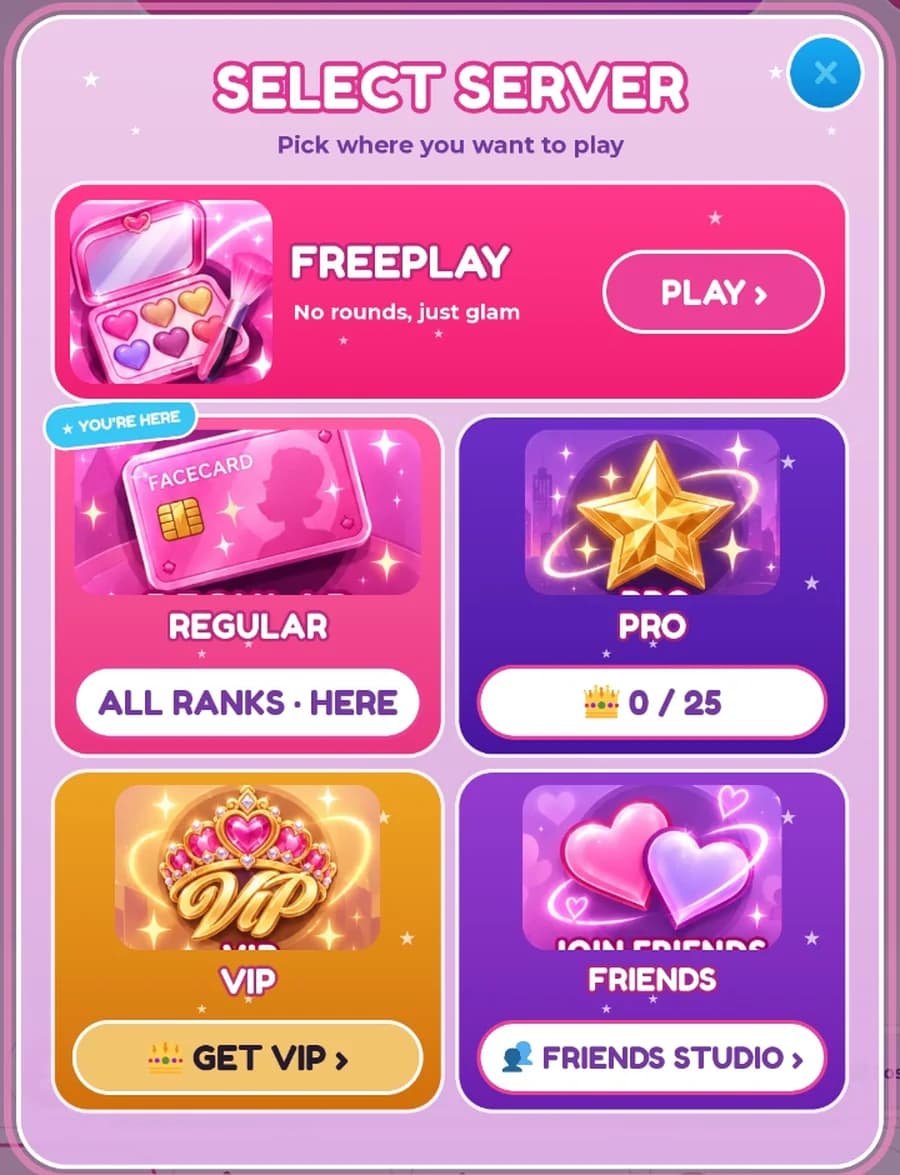
- Rooms lets you pick a server: Regular, Pro (for experienced players), VIP, or join your friends.
- Step 2
Customize your face
Every player paints on a 3D head, and you choose what it looks like.
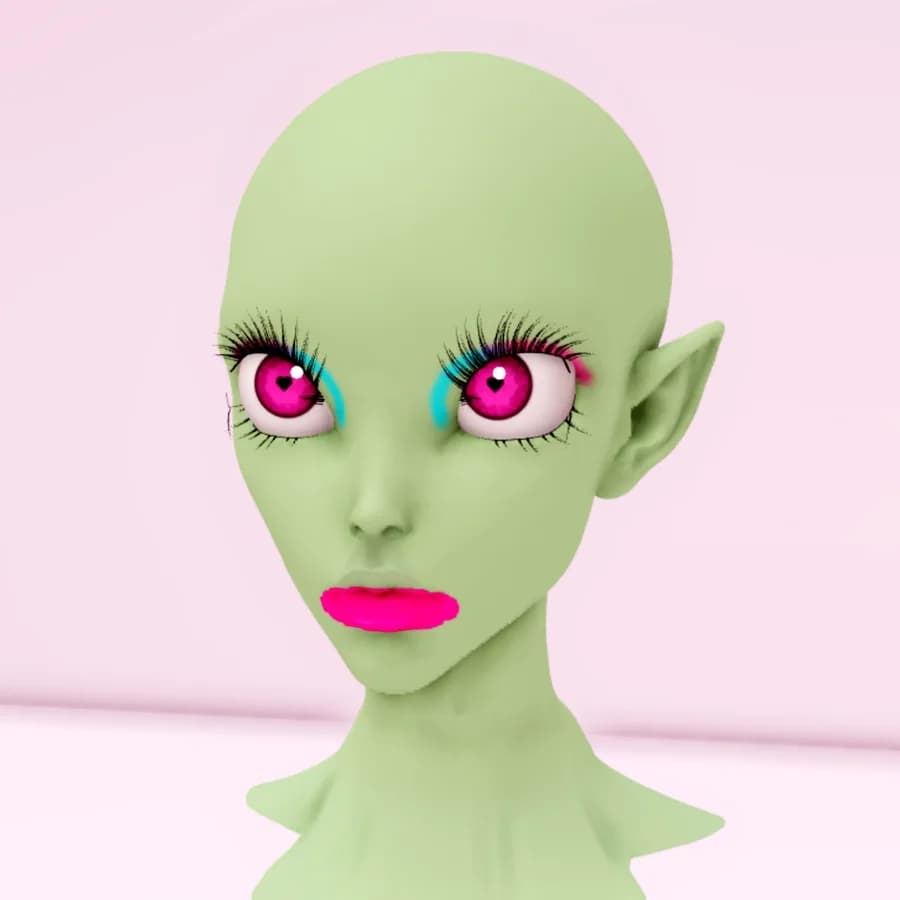
- Pick a skin tone in the Skin menu, including fantasy tones like mint and lilac.
- Change your eye color and pupil shape from the Eye Color card in the Eyes section.
- Sculpt lets you choose a head base and model, including the fantasy Alien. It unlocks when you join the Makeup Battle Official community on Roblox and like the game.
- Style adds hair, lashes, accessories, piercings and expressions.
- Step 3
Use brushes and colors
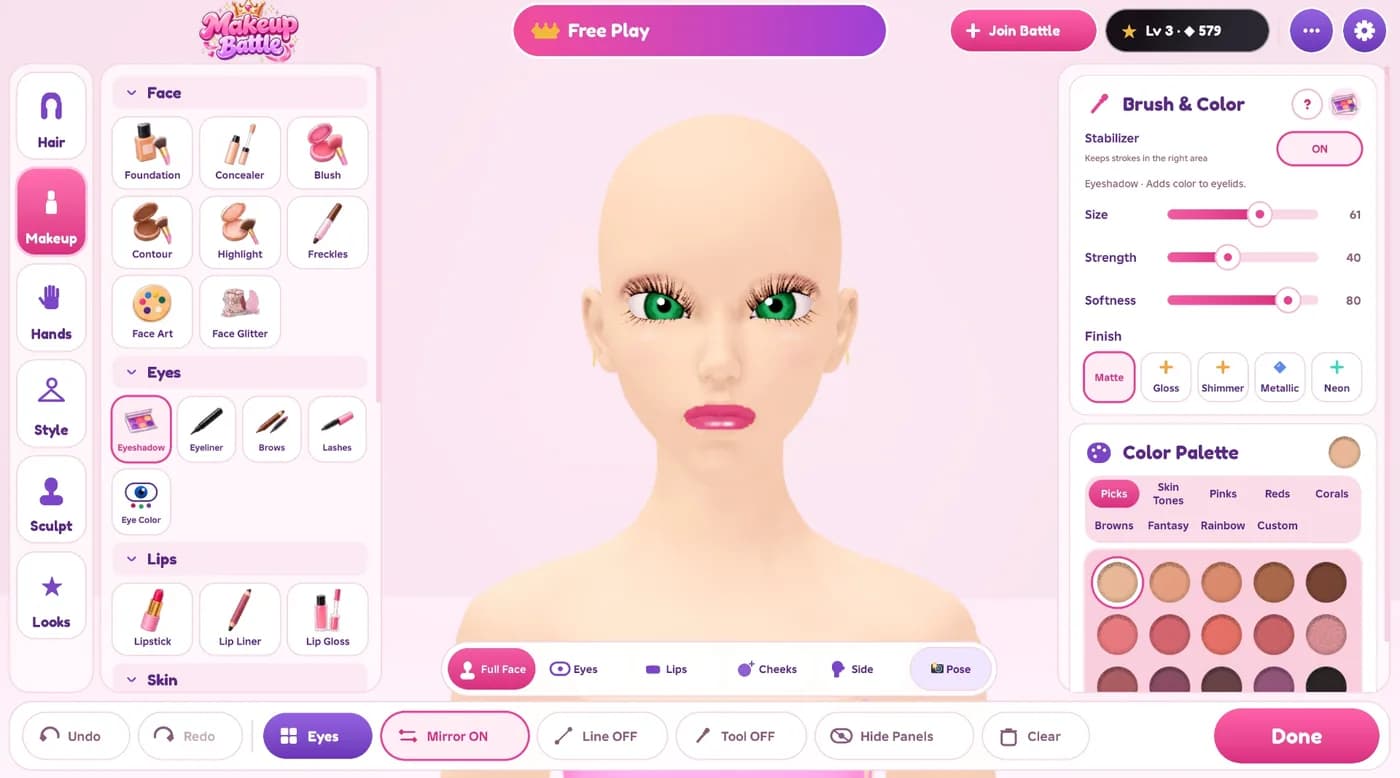
The Makeup tab holds the products: foundation, concealer, blush, contour, highlight, eyeshadow, liner, brows, lipstick, gloss, face art, glitter and more.
- Pick a product, choose a color from the palette, then paint right on the face.
- Size, Strength and Softness change the brush; Finish switches between matte, gloss, shimmer and other effects.
- Stabilizer keeps strokes inside the right area, and Mirror paints both sides at once.
- Undo and Redo are always one tap away, and the camera buttons zoom to the eyes, lips, cheeks or side.
- Short on ideas? Looks ▸ Starter looks applies a complete look you can edit.
- Step 4
Style your hands
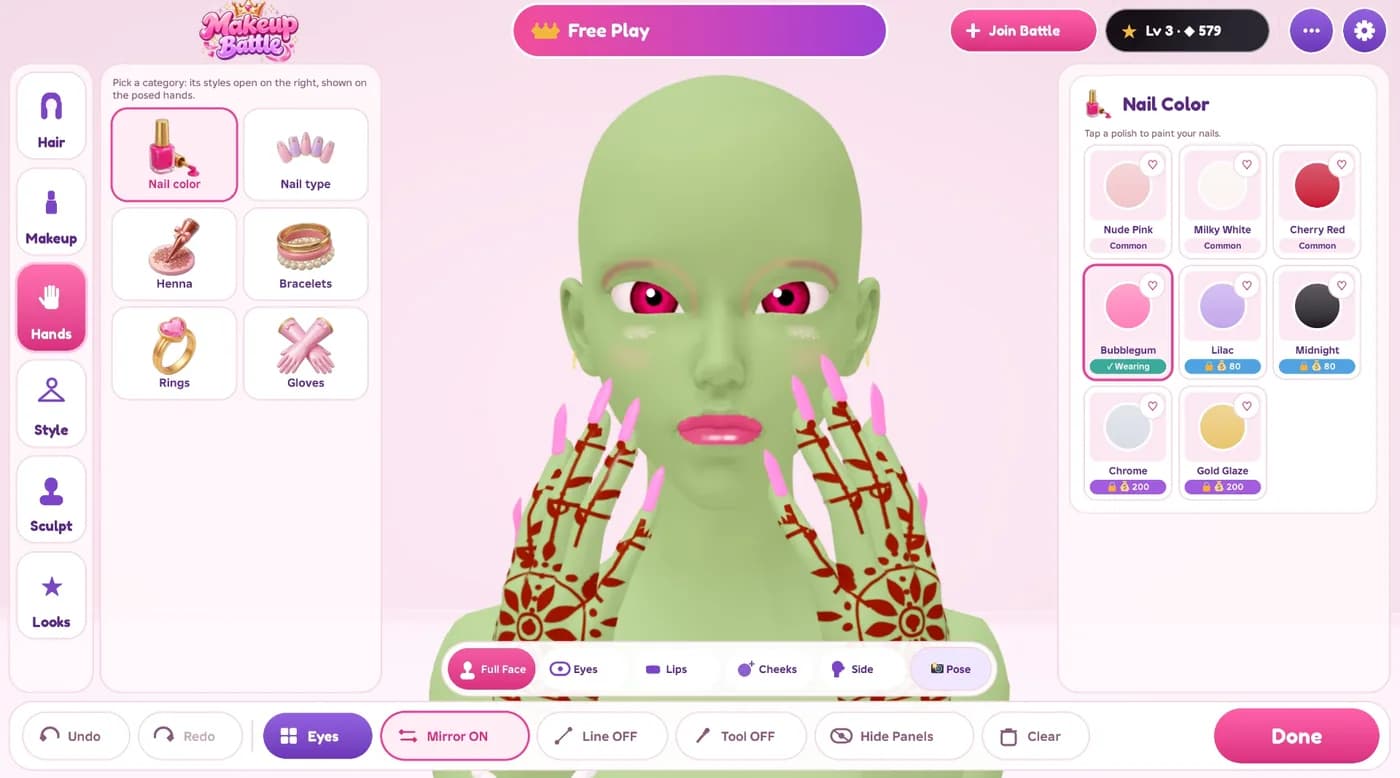
Open the Hands tab and your character raises their hands so you can see every detail.
- Choose a nail color and a nail type, then adjust the length.
- Add henna, bracelets, rings or gloves.
- Tap Pose to try photo poses that show off your nails.
- Step 5
Join a themed battle
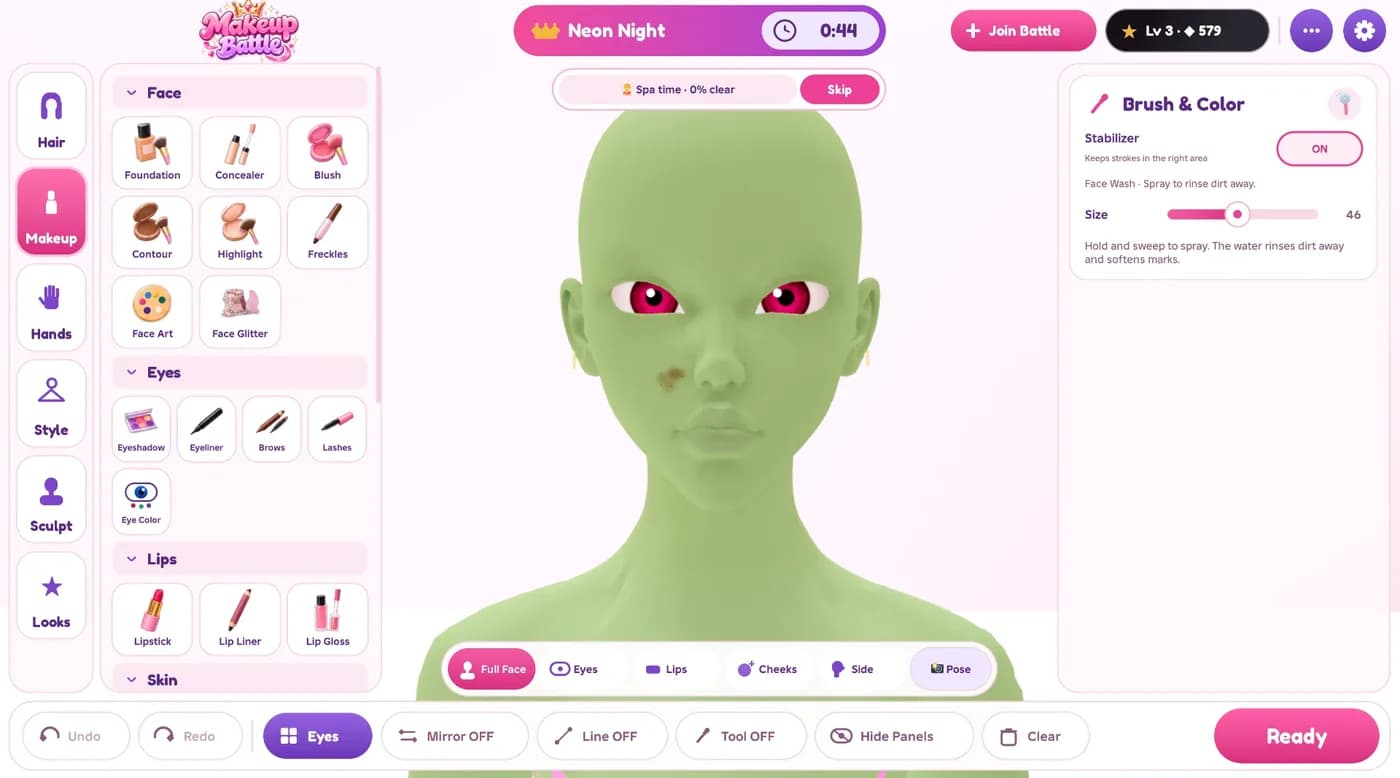
Each round has a theme, like Neon Night, Ice Queen or Red Carpet, revealed with reference photos for inspiration.
- You get about 10 minutes to create a look that fits the theme. The timer is always at the top.
- Rounds start with a quick skin-prep step: wash away the dirt, or skip it.
- Press Ready when your look is finished.
- Step 6
Present your look
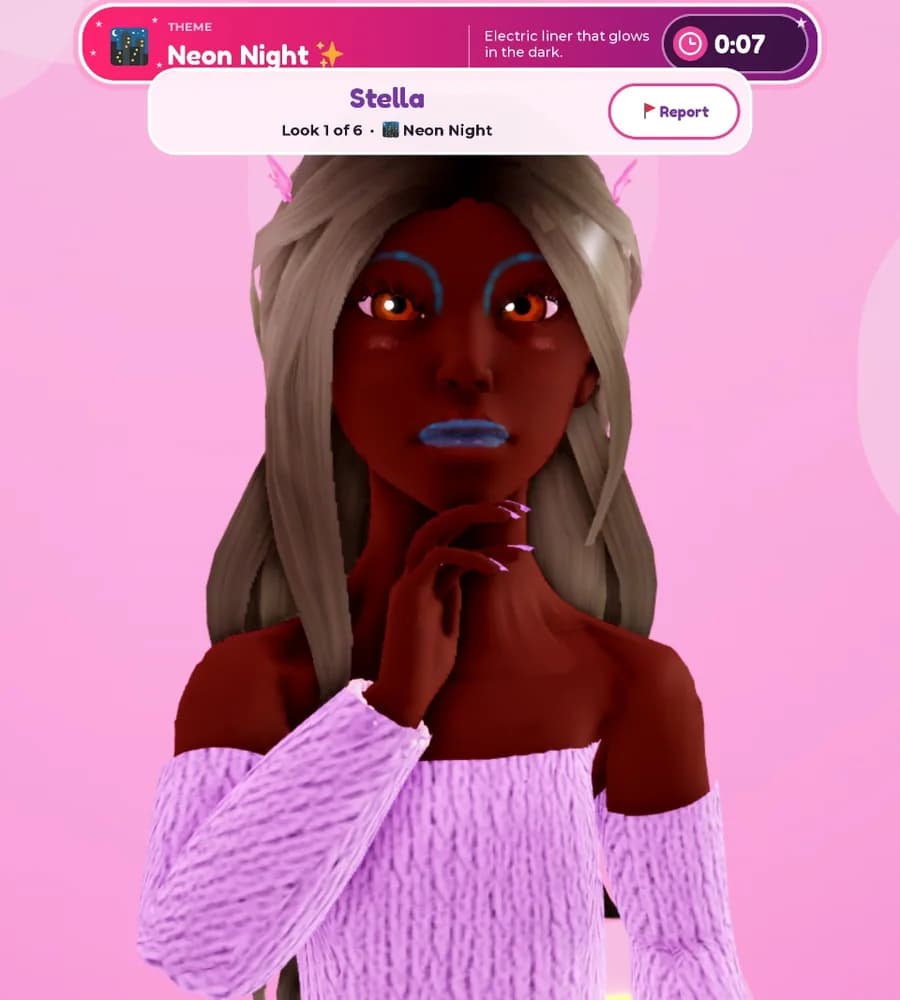
When time is up, every look takes a turn on the runway photo shoot.
- Your character strikes poses while everyone sees your look up close.
- The banner shows the theme, and whose look is on stage.
- Step 7
Vote and win rewards
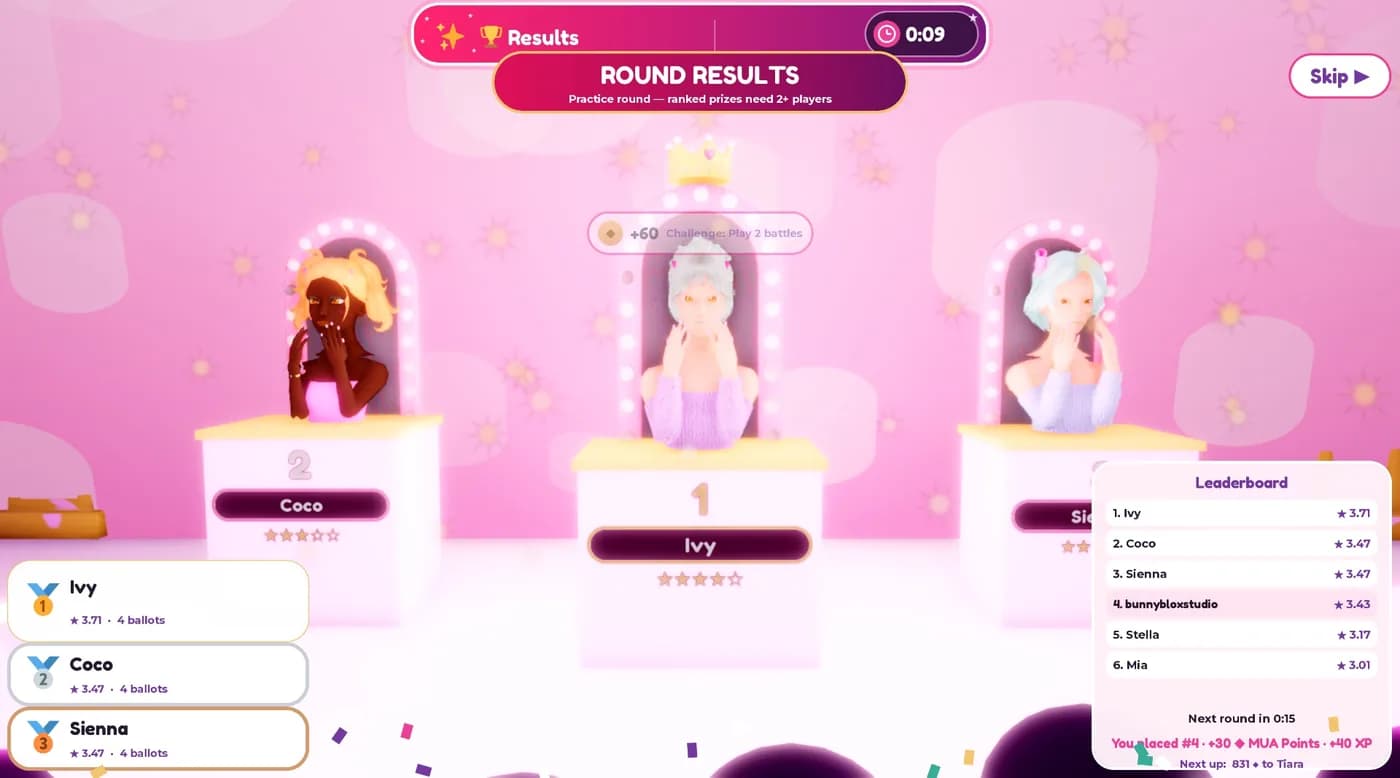
Players rate each look from 1 to 5 stars. The highest average wins the round.
- The top three take the podium, and the leaderboard shows everyone's score.
- Every battle earns MUA Points and XP for your Black Card, plus daily challenges and login streaks.
- Voting is protected: unusual voting patterns count for less, so honest ratings decide the winner.
- Ranked prizes need at least two real players in the round.
You're ready!
Questions? The Help & Support page has answers.
Play free on Roblox (opens Roblox in a new tab)