· Tutorials
10 starter looks to try in Makeup Battle
Not sure where to start? Every starter look is made from real brush strokes, so you can apply one in a tap and then make it your own.
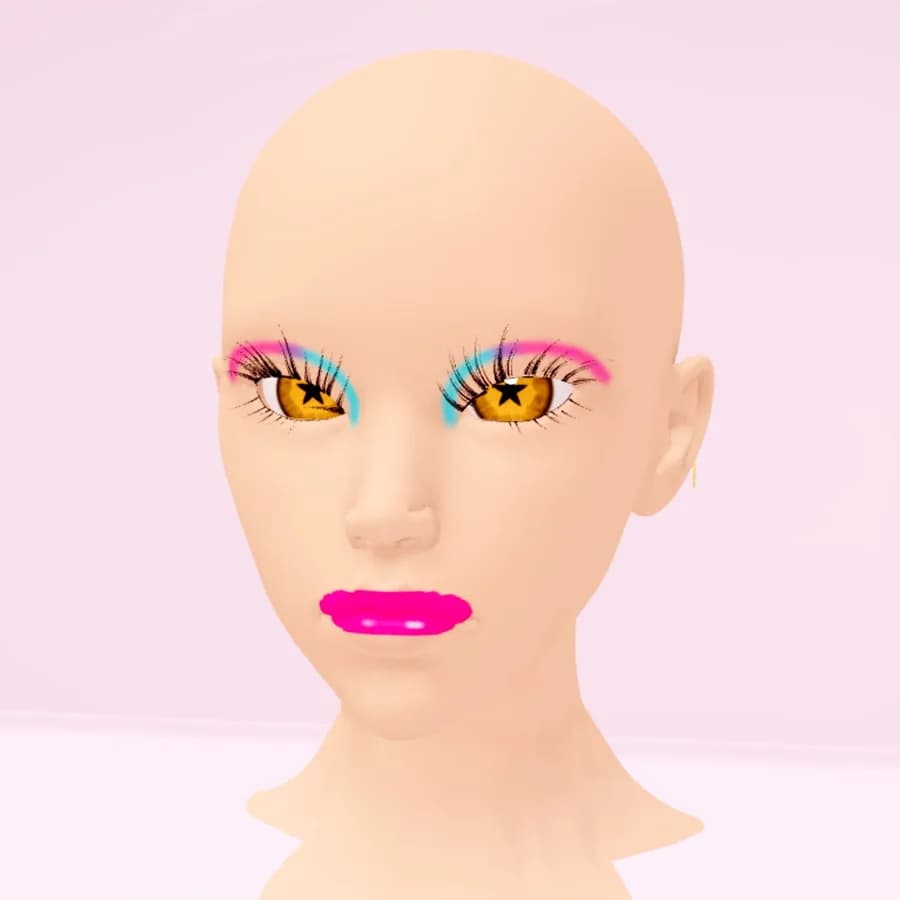
A blank face can feel like a lot. Starter looks give you a head start: open Looks ▸ Starter looks in the editor and tap one to put it on. Tap it again to take it off.
Each starter look is built from ordinary makeup strokes on your own face, so everything stays editable. Change a color, add a wing, undo a step or paint over it. Your strokes stay put when you swap starter looks.
The ten looks
- Soft Glam: warm neutral lids, a soft highlight and a rosy gloss.
- Pink Doll: pink lids, rosy cheeks and a glossy bubblegum lip.
- Smoky Night: smoky charcoal shadow and a deep berry lip.
- Sunset Gradient: gold melting into coral, with a coral gloss.
- Ice Frost: icy shimmer, a metallic highlight and a cool pink lip.
- Golden Hour: metallic gold lids, contour and a golden glow.
- Neon Pop: cyan and hot-pink graphic shadow with a neon lip.
- Fairy Sparkle: lilac shimmer, a pink flush and a candy lip.
- Red Carpet: clean lids, dramatic lashes and a classic red.
- Fresh Natural: a barely-there flush, freckles and a nude gloss.
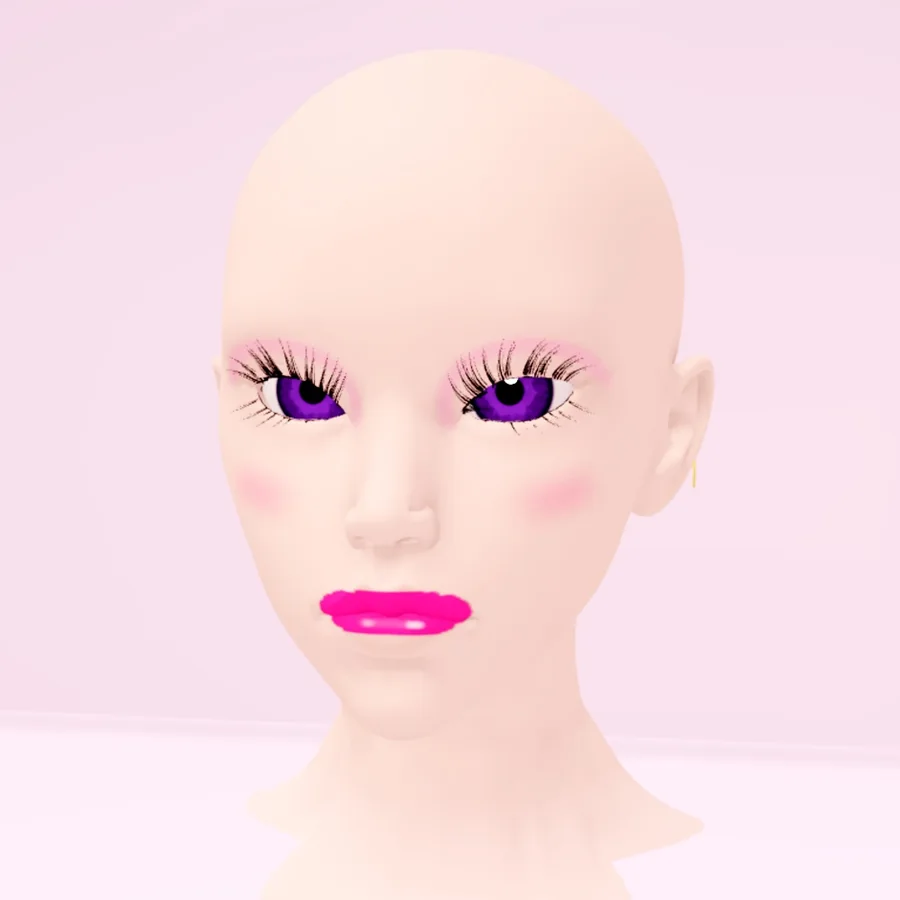
Make it yours
Try a starter look on a different head base, swap the eye color in the Eyes section, or add 3D lashes from the Hair tab. When a battle starts, the theme card shows the theme and its reference photos, so a starter look is a quick way to set your base before you add the details that match it.
Browse more looks in The Looks gallery.